
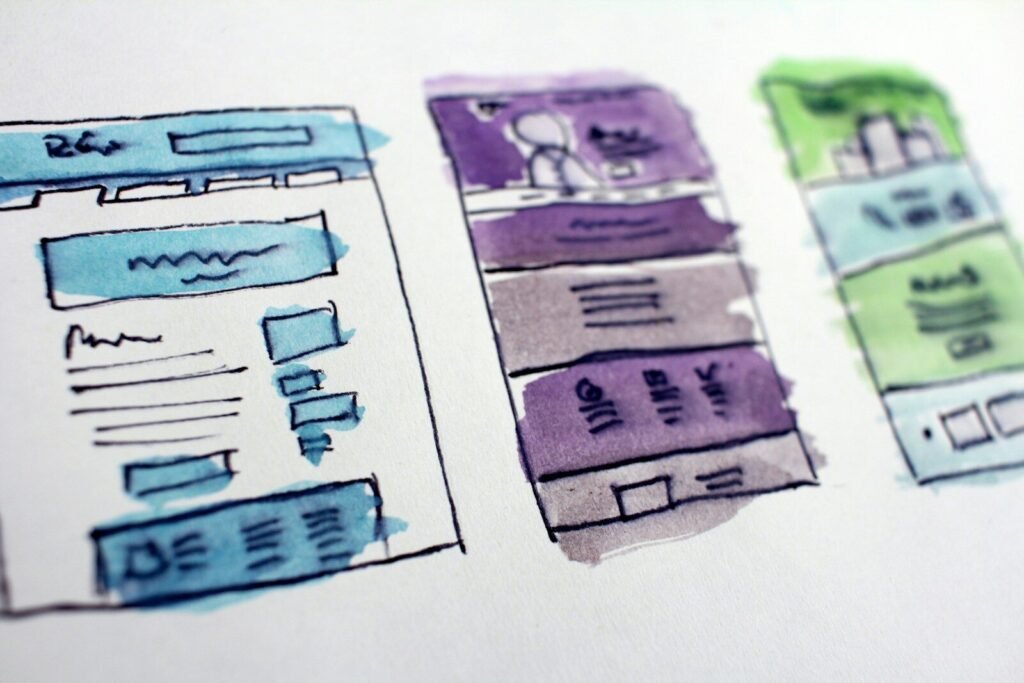
If you’re wondering what content to provide for a new website, start with the things you already explain to customers: what you do, who you help, where you work and what happens when someone gets in touch. You don’t need to turn up with a folder of polished sales copy.
You do need enough real information to build around. A designer can help put that information in order, but they can’t guess which jobs you want more of, what your service includes or why a customer would choose you.
Here’s a practical website content checklist for a small business, with a few examples to make the blank page less daunting.
Start with one clear description of the business
Before writing individual pages, finish this sentence: “We help [type of customer] with [specific service] in [area].” It won’t necessarily become your homepage headline, but it is a useful test of whether the basics are clear.
For example, “We provide regular home cleaning and one-off deep cleans in Beeston and the surrounding area” tells a visitor more than “Professional solutions you can trust”. They know what is available and whether the location works for them.
Write down the main action you want them to take, too. Is it a phone call, an enquiry form, a booking or a request for a quote? That decision affects the pages, buttons and information the site needs. It’s one of the first things I work through when planning a small-business WordPress website.
Give each main service enough detail
A list of service names is a start, but it leaves the customer doing a lot of guessing. For each main service, gather answers to these questions:
- What does the service involve, in ordinary language?
- Who is it suitable for, and are there any jobs you don’t take on?
- What is included, and what would be quoted separately?
- What does the customer need to provide or prepare?
- How do you price it: fixed price, hourly rate or an individual quote?
- What happens after someone enquires?
You don’t have to publish a fixed price if the work genuinely varies. Explaining what affects the quote is still helpful. A decorator might need the room sizes, the condition of the walls and whether ceilings and woodwork are included.
If two services solve different problems, they may deserve separate pages. There is little value in creating lots of pages that all say roughly the same thing. The aim is to give each customer a useful answer.
Gather evidence, not just claims
“High quality” and “reliable” are easy to write. Photographs of completed work, a clear explanation of a project and a relevant customer review give those claims some substance.
For a project example, a few notes are enough to begin with: what the customer needed, what you did and anything important about the finished work. Only include results you can support. If you don’t have figures, describe the work honestly instead of inventing an impressive percentage.
You can see how project descriptions and images work together in the ND9 portfolio. Your examples don’t need to be large or glamorous; they need to help the next customer understand what you can do.
Check that you can publish the photographs and reviews you supply. Remove private details from screenshots, and get the appropriate permission before identifying a customer or showing their property.
Send original photos and usable logo files
If you have the original photographs, send those rather than screenshots from Facebook or images pasted into a Word document. Original files give the designer more room to crop and prepare them without starting from an already compressed copy.
Include a mix of views where possible: a wider shot, a closer detail and a photograph that shows the work in use. A landscape photo and a portrait photo of the same subject can be particularly useful when a layout needs to work on desktop and mobile.
For the logo, send the files the original designer supplied. SVG, EPS, AI or a suitable vector PDF may be useful, alongside any PNG versions. Renaming a JPEG to “.svg” won’t turn it into a vector file.
If the identity needs work as well, mention that before the website design starts. The logo, colours and typography affect the whole site, so it helps to settle that direction early.
Write down the questions people ask before buying
Think about the last few enquiries you answered. Did people ask about parking, preparation, lead times, minimum orders, areas covered or whether a certain job was possible?
Those questions are often better starting points than trying to “write for SEO”. A page that answers “Do I need to move the furniture before the carpet is cleaned?” has a clear purpose for a customer considering that service.
Use the terms your customers use, and answer directly. Don’t squeeze a town name into every heading or repeat a phrase because you think Google needs to see it again. If your existing pages need organising, SEO and website support can help turn that information into a clearer structure.
Put everything in a simple shared folder
You don’t need to design the pages yourself. A document with headings and notes is usually easier to work with than a mockup that locks the wording into a particular layout.
A useful handover looks like this:
- Business basics: name, contact details, opening hours, service area and preferred enquiry method.
- Services: one document or clearly labelled section for each main service.
- Photos: original files, named so it’s clear what they show.
- Brand files: logos, colours and any existing guidelines.
- Proof: approved reviews, project notes and relevant qualifications.
- Existing website: the address and a list of pages or features that must stay.
Mark unfinished information clearly. “Price to confirm” is better than a guessed price that accidentally reaches the live site. Agree a secure way to share any account access; don’t put passwords in the content document.
What if you haven’t written anything yet?
That is fine for an initial conversation. Bring rough notes, links to the existing site and an idea of what is frustrating you. The important thing is to agree who will write, check and approve the final content before setting a launch date.
If you’re planning a new website or a redesign, tell me a little about the business and what you have ready. I’m based in Nottinghamshire and work with businesses across the UK. We can work out the gaps before they turn into delays.